 AI
Dentra Academy
Dentra's training, taught by the people who work with us
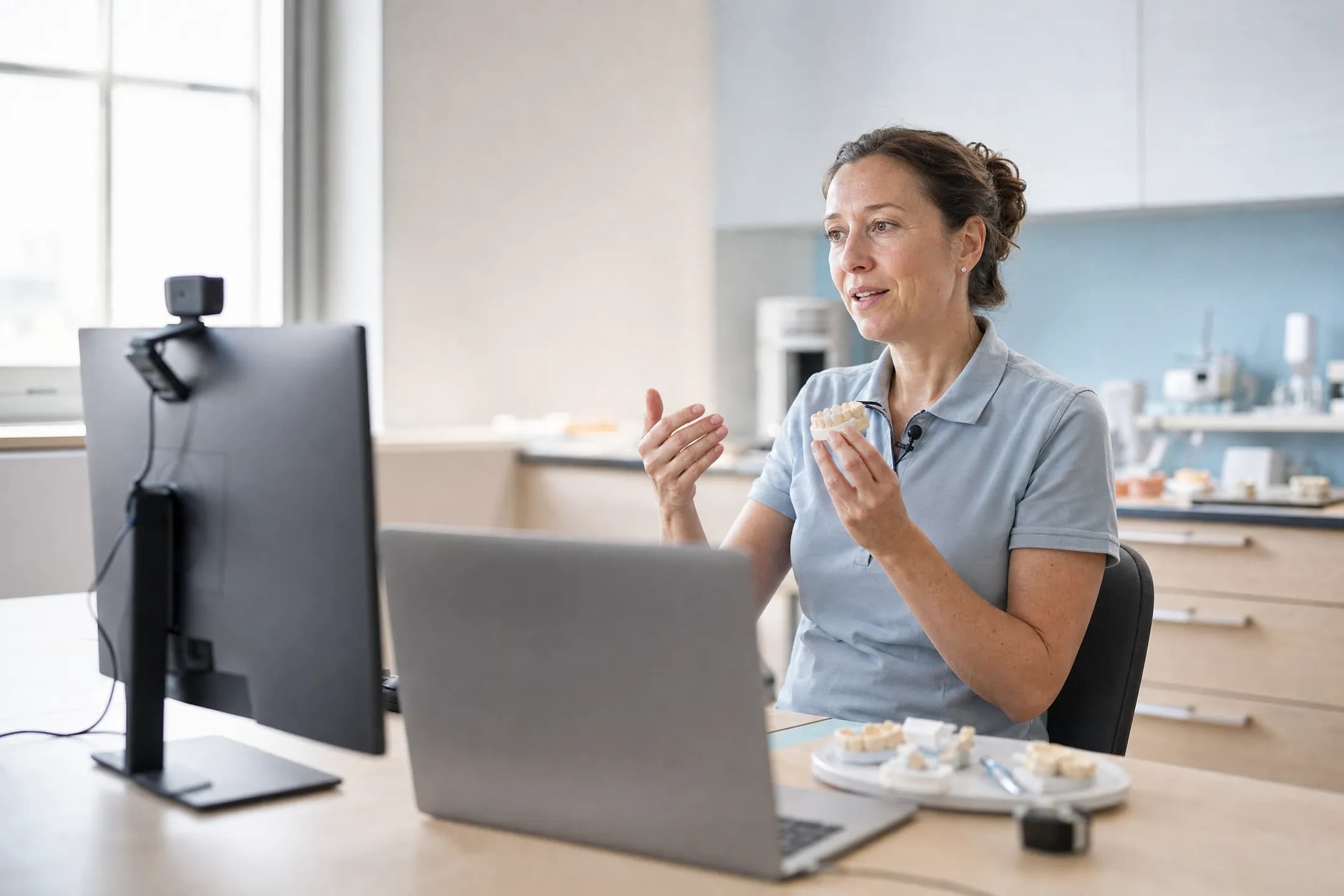
Short, practical lessons recorded by people who do this job every day. Academy is not open yet: meanwhile, trainers can start recording.
Coming soon
Three things, done well
Real lessons
Taught by our trainers, on everyday cases: no filler theory.
Ready materials
Every lesson comes with a summary, check questions and review cards.
For people who work with Dentra
Designed for the collaborators who design with us, to grow together with the network.
Dentra Recorder: you record, and the lesson lands in the course
An app with a single button. It records your screen, webcam and voice together; when you stop, the video goes straight to your course on Dentra Academy.
- The video with the webcam in the corner, plus screen and webcam on their own
- Automatic zoom where you click, pause and resume
- Free: with your Dentra account videos come out without the logo
Version 1.7.2 · 23 October 2026
The first time, your computer asks for confirmation. How to install: dentra.it/download
After installing, press «Accedi con Dentra» (sign in with Dentra) in the app: videos come out without the watermark and, if you're a trainer, you send them to your course.
 Dentra Recorder

Record a lesson: then send it to the course from here.
Ready.
Try it: it's a simulation, nothing is recorded.
Everything a lesson needs, nothing more
Made for people who teach, not for video professionals: open it, record, send.
Screen and webcam together
The video with the webcam in the corner, plus screen and webcam on their own, to edit as you like.
Zoom where you click
Two quick clicks and the picture moves in and follows the mouse, then zooms back out on its own. The version without zoom is kept too.
Pauses are cut
Pause whenever you like: that time doesn't end up in the video.
Shortcut keys
Start, stop and take a photo even with the app behind other windows. A sound confirms each command.
Always in sight
The running time sits in the top bar, with the controls at hand. Closing the window doesn't stop the recording.
Nothing gets lost
The video is saved while you record: if the computer shuts down, the lesson is still there when you reopen it.
The right microphone
An external microphone is picked automatically when plugged in, and with several screens you choose which one to record. On Windows, computer audio too.
With your Dentra account
Without signing in, videos carry a light Dentra logo in the bottom-left corner. Sign in once with your Dentra account, even a free one, and they come out clean; if you teach, «Send to course» and cover, transcript and materials start on their own.
Tells you about updates
When a new version is out, the app tells you and updates when you ask it to; on the Mac, sometimes the download opens and you replace it by hand.