
 AI
Dentra Viewer
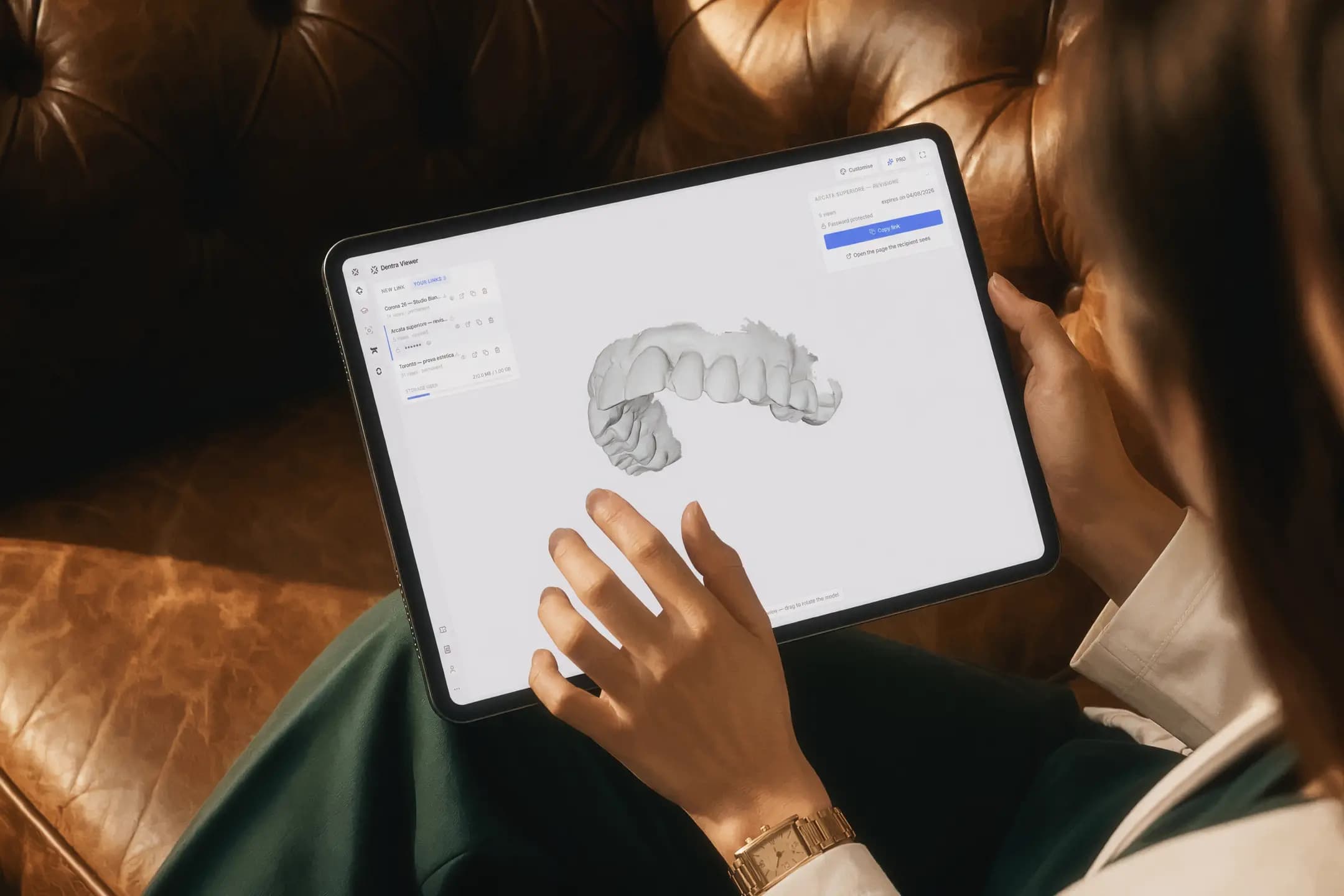
The online 3D viewer for STL, PLY, OBJ and GLB.
View your models and send them to anyone with a link: no software to install and no heavy files over email. From the browser, on any device.
Free. Open and view without an account; to send a link you need a free account, with your name and billing details.
Upload the models, send a link.
For the lab that wants to show a case to the dentist, and for the dentist who wants to show it to a colleague or a patient. Whoever receives the link needs no 3D software: a browser is enough.
Open Dentra Viewer- 1
Upload the models
STL, OBJ, PLY or GLB, several files together in the same scene, or everything in a ZIP or a folder. With an account and your details complete, add the design project file and the pieces snap into place on their own.
- 2
Create the link
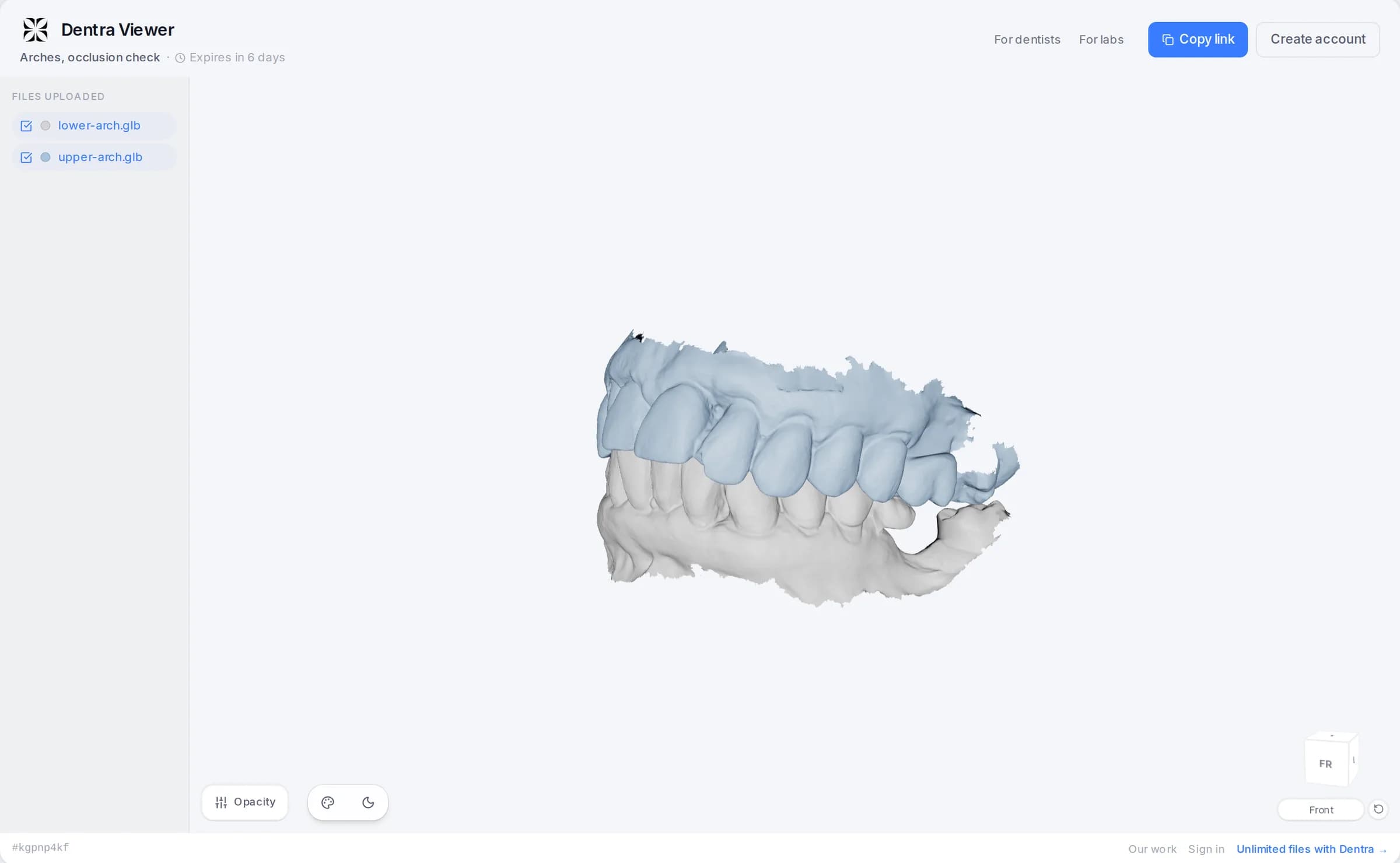
Give it a title and copy it, or email it from here. You'll find it among your links, with how many times it has been opened.
- 3
They open it
In the browser, on a computer or a phone: no account and nothing to install.
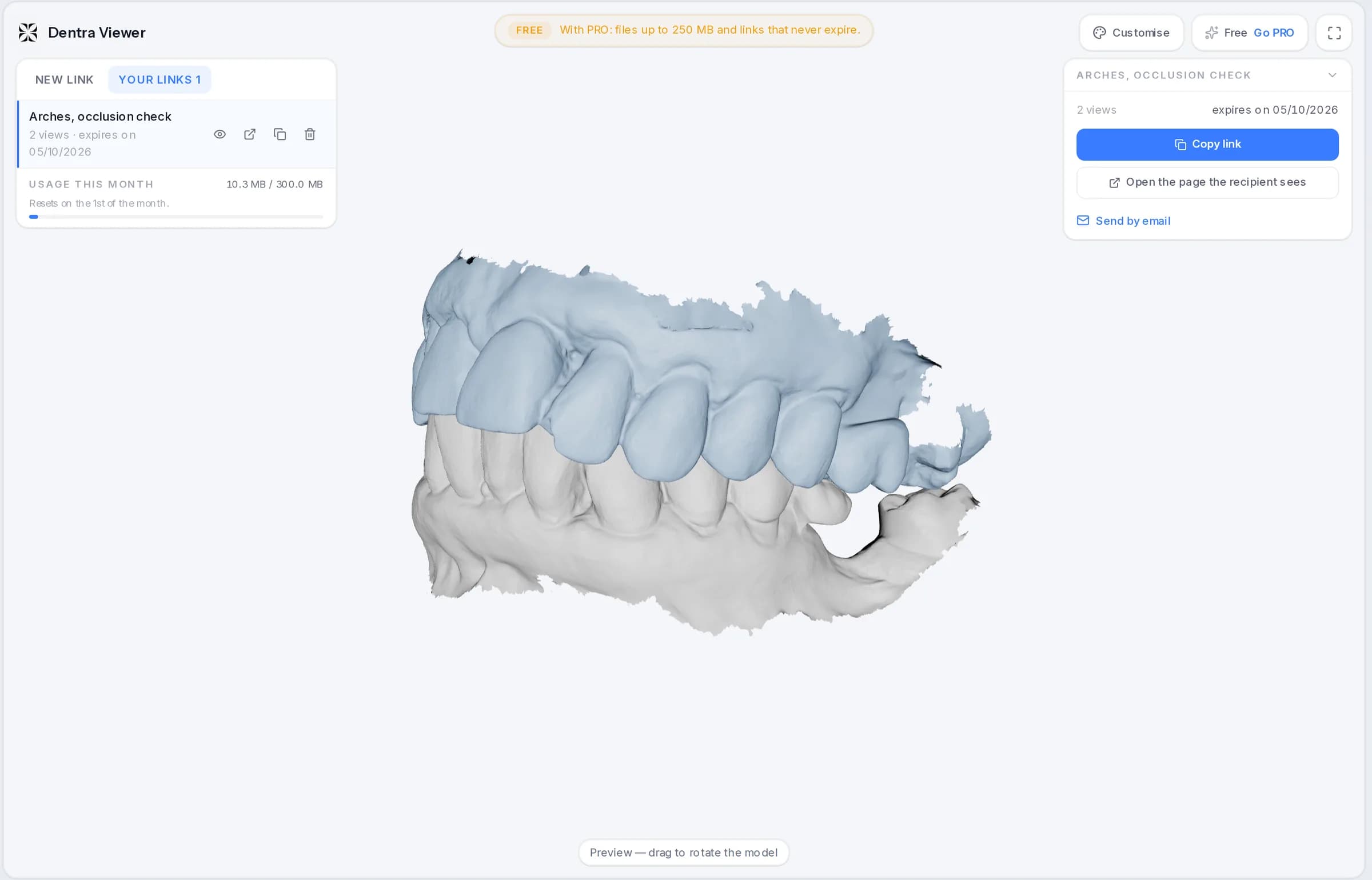
It opens in the browser, on a phone too.
They see the model in 3D and turn it with the mouse or a finger. Nothing to download, nothing to install, no account.
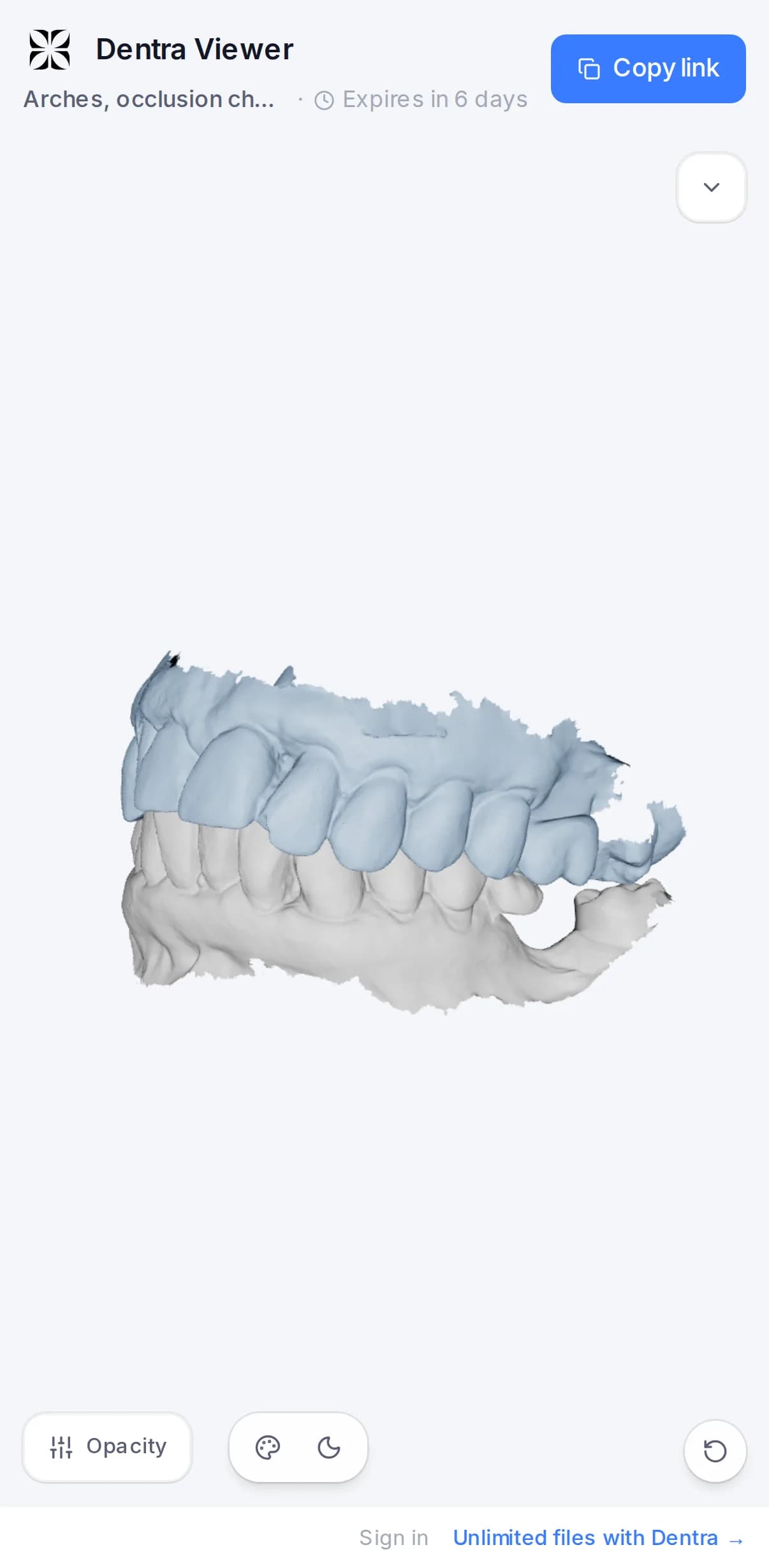
- They switch single files on and off, and make an arch transparent to look through it.
- They pick ready-made views: front, side, top, bottom.
- They see the work, not the technical figures: the mesh diagnostics stay with you.
- They see when the link expires; when it does, the files are deleted.
PROWith PRO the link carries your logo and colours instead of Dentra's, and you can add a password and the download of the original file.
Built for everyday work
Check the model, view it together with the other arches and decide how it looks.
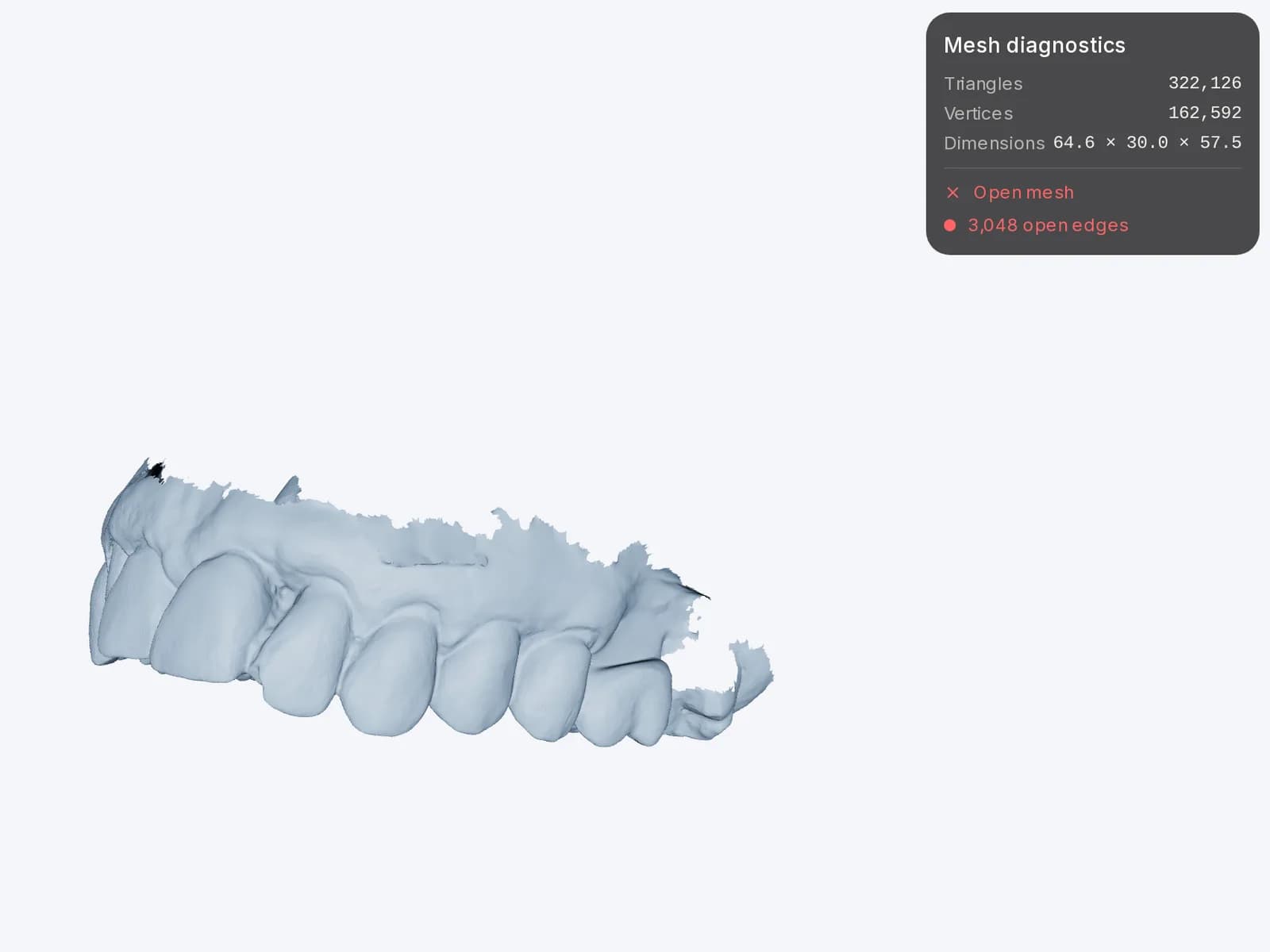
Check the model
Real dimensions, triangle count and open edges: see how the file is built. On the website you find it by opening one of your links with the eye; in the desktop app, even before you send it.
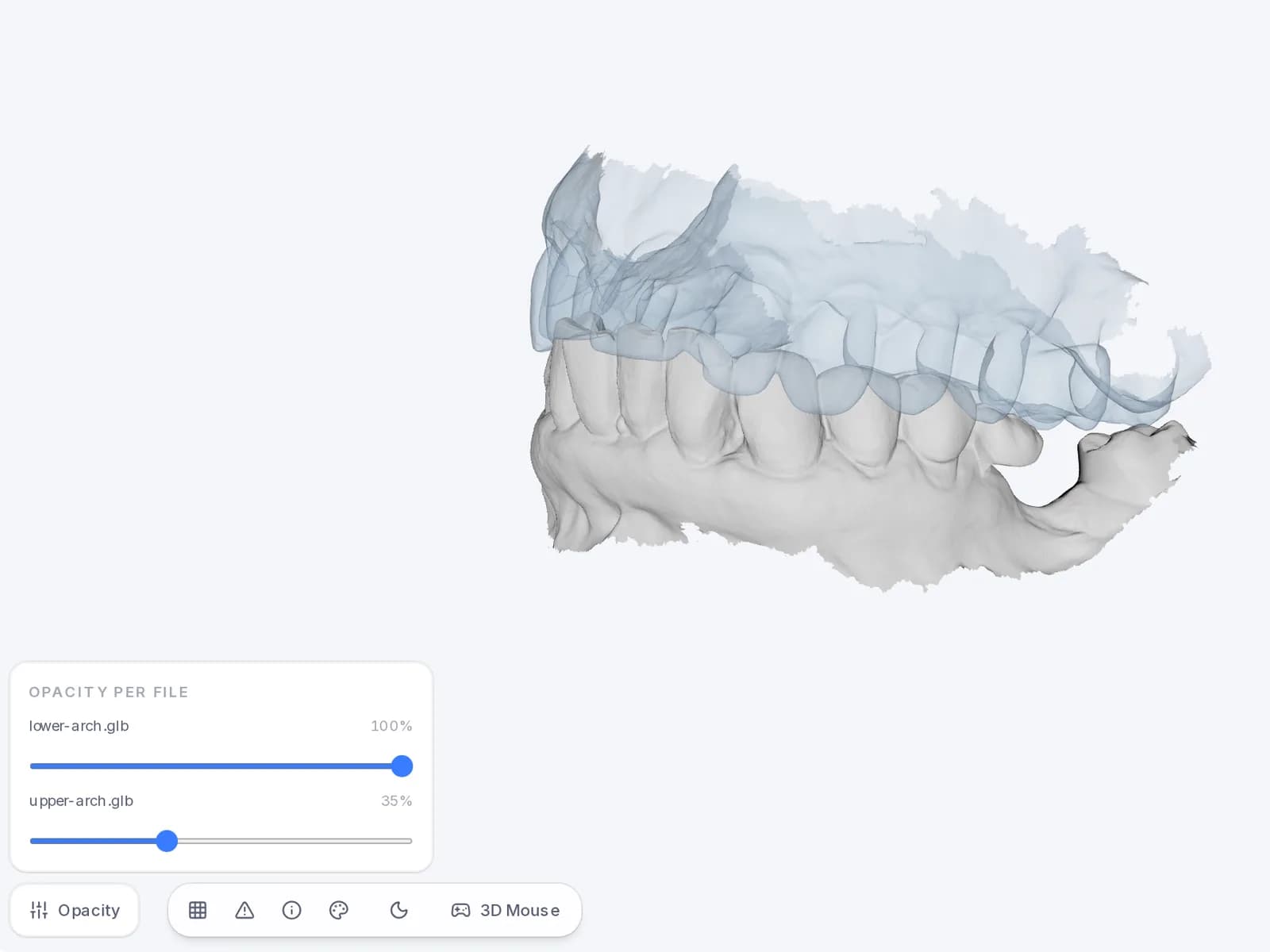
Arches together, even see-through
Several files in the same scene: on the link page, and in the desktop app, make the one in front transparent and see at once how they fit.
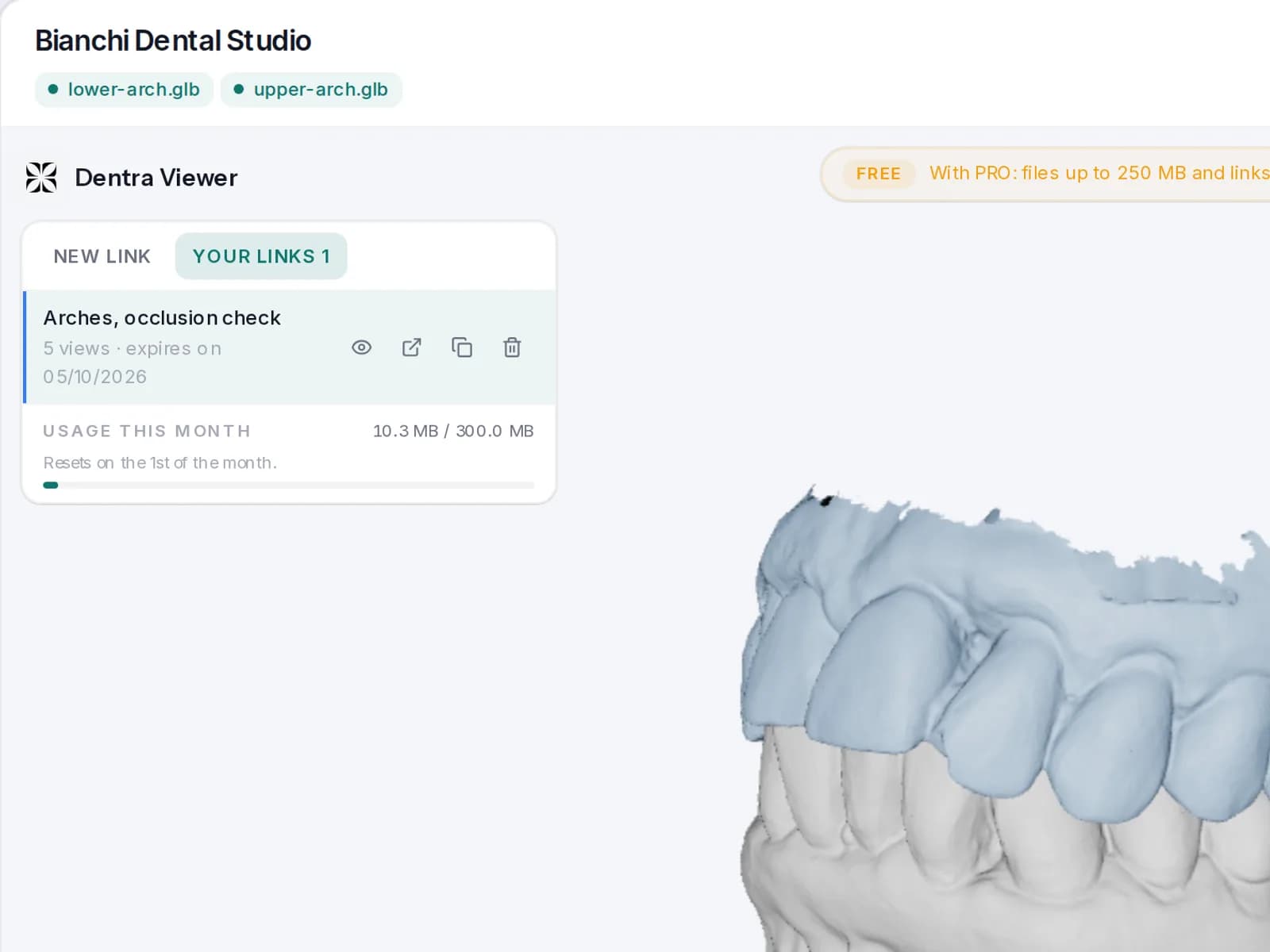
Your brand on the link
Practice name, logo and colour: the page you send looks like yours. Try it right away; it stays on your links with PRO.
Plugins: extra tools, made by others
The Viewer welcomes plugins written by other developers: extra tools you turn on from the «Plugins» panel. We test every plugin before publishing it, and before turning one on you see what it asks for and why.
See the pluginsAre you a developer?
Submit your plugin: we test it and, if we like it, we add it to the Viewer. Plugins are free for the people who use them.
How to write a pluginWhat changes between tiers
You start without an account. The columns show what you get without an account, with the free account and with PRO.
| No accountfree | With accountfree | PRO€10from €8.33 a monthpaying yearly | |
|---|---|---|---|
| Open and view models | |||
| Download a page that opens offline | |||
| Create a link to send | |||
| Size of one file | 50 MB | 250 MB | |
| Files in one link | as many as you like | as many as you like | |
| How long the link lasts | 7 days | your choice | |
| Keep your links | |||
| Send the link by email | |||
| How much you can upload | 300 MB per month | 10 GB always | |
| Give the link a title | |||
| Password on the link and the downloaded page | |||
| Download the original | |||
| Your logo on the link and the downloaded page |
What people ask us about Dentra Viewer
Which files can I upload?
STL, OBJ, PLY and GLB, several files together in the same scene, also from a ZIP or a whole folder: up to 50 MB per file with the free account, up to 250 MB with PRO. With an account and your details complete, add the project file from your design software and the pieces snap into place on the arches by themselves.
How long does a link last?
With the free account, 7 days. With PRO you choose: 7 or 30 days, a year, or forever. You can revoke a link whenever you like from your links: the recipient no longer sees anything.
Can I protect a link with a password?
Yes, with PRO. Also with PRO you decide whether the recipient can download the original file; without it, the model can only be viewed.
Can I send the models as a file that opens offline?
Yes: “Download as page” puts the models you are looking at into a single file that opens with a double click in the browser, even offline and without an account. You can add notes for whoever opens it. With PRO you can also add a password and your practice's logo. You can also open it again in the Viewer. On a phone it shows a picture of the model with the notes; to turn it you need a computer or the link.
Where do my files go?
To servers in Europe. Each link's address is long and random, so it can't be guessed, and the files are deleted when the link expires.
Can I see whether the link has been opened?
Yes: in your links, next to each one, you see how many times it has been opened.
Do I need an account? How much is PRO?
To open and view your own models, no. To create a link you need a free account, with your name and billing details: you get 300 MB of files a month. PRO costs €10 a month, or €100 a year, and gives you 10 GB of storage, bigger files, password, download and your brand on the links.
On your computer too
The same Dentra Viewer as an app for Mac and Windows: open models with a double click, several together and even from the project file of your design software, and view them offline. From there you can also send the link and save the page that opens offline. Your files stay on your computer, unless you send them with a link or a plugin.
Free. You only need an account, with your name and billing details, to send a link.
Version 0.7.7 · 23 November 2026
The first time, your computer asks for confirmation. How to install: dentra.it/download
Open your first model.
Free. The free account is what lets you send links.