Show the patient their new smile before you start.
Upload a patient photo, choose tooth shape and colour — in 30 seconds you get a realistic preview of the final result. Plus an animated video of the new smile, to show in practice or send via WhatsApp.
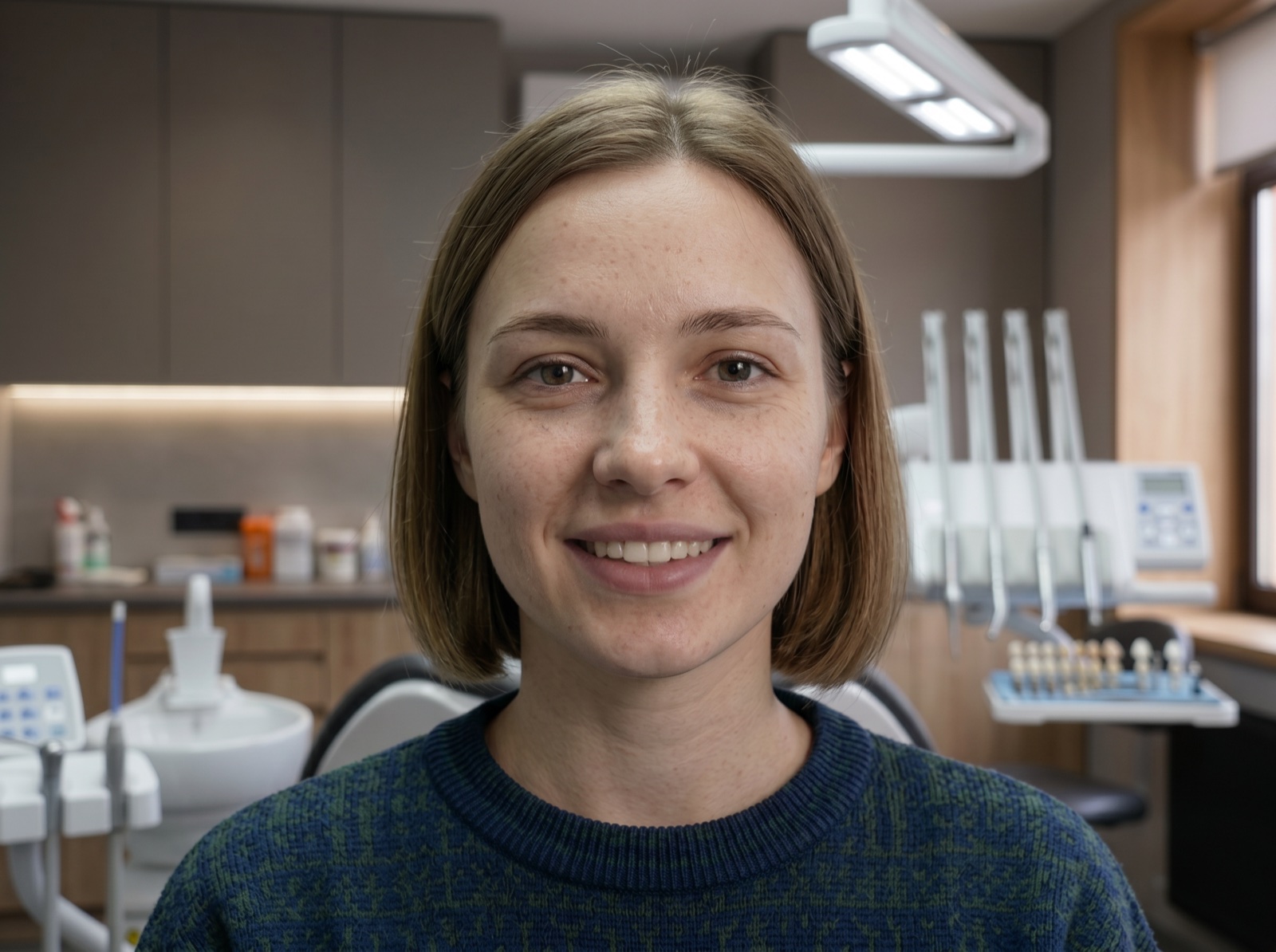
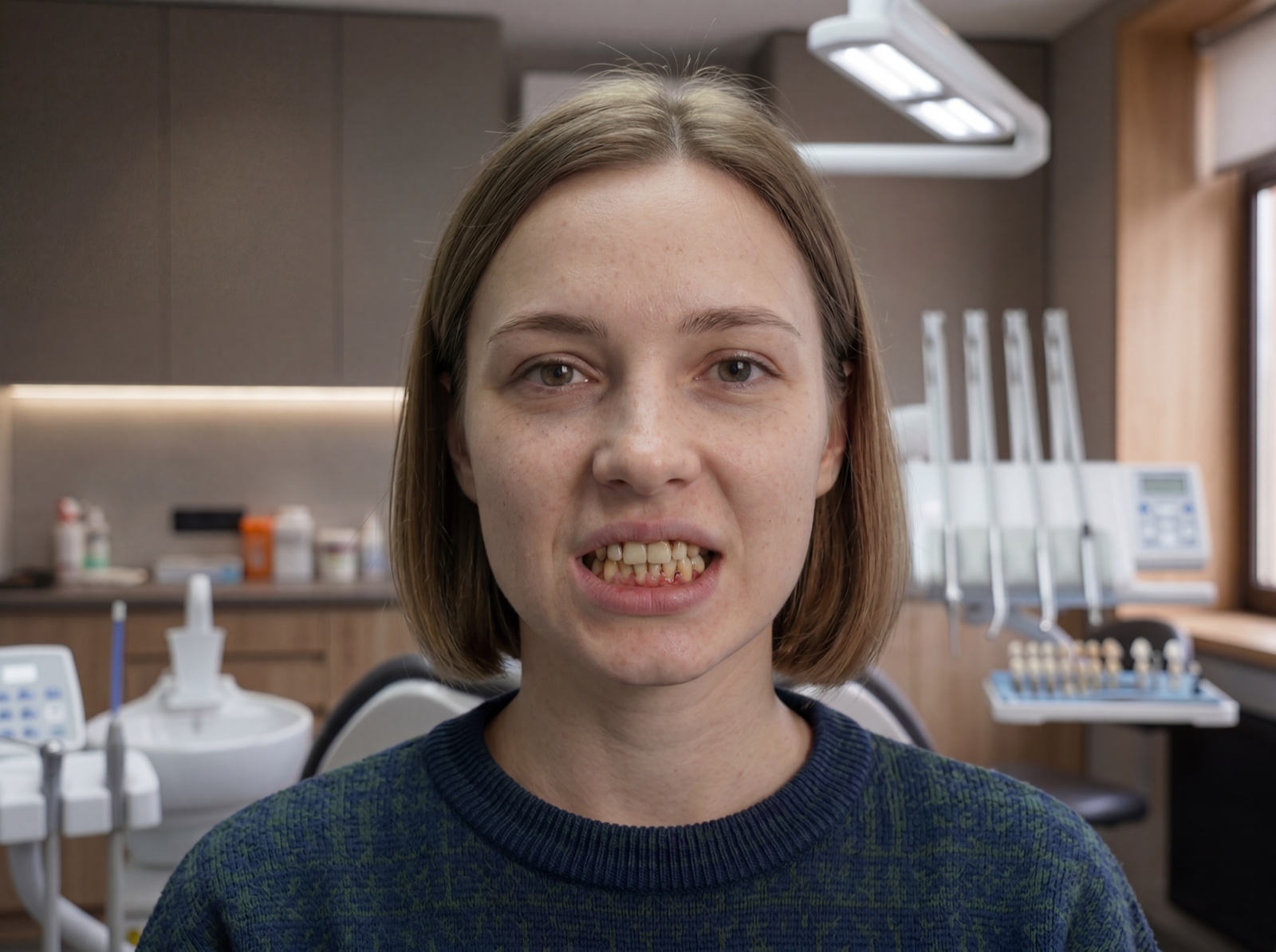
Drag the slider to see the before/after
Everything you need to close the case in the practice.
Smile Design solves the hardest moment: convincing the patient it’s worth doing the work. An image is worth a thousand estimates.
Realistic smile preview
The patient already sees themselves with the finished smile, not an abstract idea. Dramatically increases treatment plan acceptance.
Animated video in 5 seconds
Not just images: also a video of the patient with their new smile, shot from a static camera with natural micro-expressions. Exportable MP4.
True clinical customisation
Shape, colour, translucency, gingival outline, choice between conservative or invasive restoration. You decide what to simulate for the patient.
4 steps, from photo to video.
Upload a photo
Front-facing photo of the patient with open smile. JPG, PNG, WebP. From camera, phone or tablet.
Choose the options
Tooth shape, colour, texture, gingiva. Every dropdown has examples and a clinical description.
Generate the smile
In 20-30 seconds you see the result. Compare with the original via the before/after slider. Regenerate as many times as you like.
Show the patient
Download HD image and MP4 video. Show the patient on a tablet, send via WhatsApp or save to their file.
5 dimensions for every case.
Not an automatic filter: real clinical choices, validated by dentists. For each dimension you have 3-8 presets with technical description.
Tooth shape
8 presetsSquare, Rectangular, Oval, Triangular, Tapered, Trapezoidal, Hybrid…
Colour & translucency
6 presetsBleached (B1), Natural (A2-A3), Warm cream, Translucent, Opaque, Characterised.
Surface texture
3 presetsSmooth, Textured (perikymata), Micro-texture (in between).
Gingival outline
3 presetsHigh line (visible gums), Low line (teeth dominant), Symmetric.
Soft tissue (gingiva)
Clinical choiceRespect gingiva (conservative, no periodontal surgery) or Remodel (invasive, crown lengthening).
Mouth/teeth mask
AutoAutomatic mouth detection and teeth/gingiva separation. Adjustable border.
Clinical detail: pixel-perfect gingival respect
When you activate ‘Respect gingiva’ (default), the patient’s real gingival line stays identical in the result. The tool automatically separates the dental zone from the gingiva and blocks any modification to soft tissue. Realistic result for conservative cases without periodontal surgery.
See a real example.
Same patient, before and after. No zoom, no pan: just the smile changing, natural and composed.
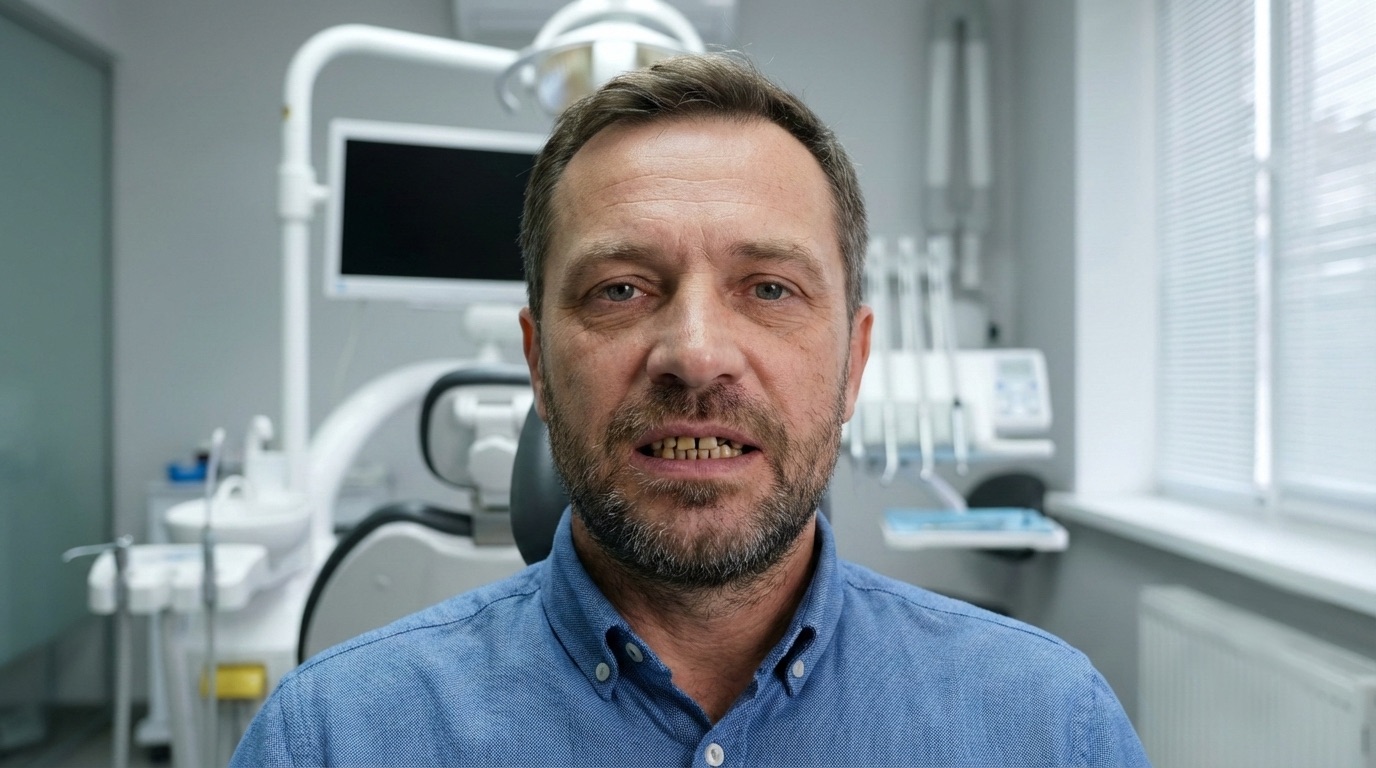
Before
After (animated video)
Transparent, per session.
Pay only when you use it. No subscriptions, no fixed costs. Charged at month end, automatic invoicing.
Images only
Everything you need for the patient presentation.
- Unlimited smile preview (regenerate as many times as you like)
- All 5 clinical dimensions (shape, colour, texture, gingiva, tissue)
- HD image export
- Before/after slider
- Privacy: photos stay on your device only
With animated video
Everything in the base plan, plus the animated video.
- Everything in the ‘Images only’ plan
- Animated video generator (5 seconds, MP4)
- Static camera, natural micro-expressions
- 1080p MP4 export
- Ready to send via WhatsApp
Charged at month end · Automatic electronic invoicing · Credit wallet available
Patient photos never leave your device.
No Dentra cloud
Photos stay in the dentist’s browser. They are never saved on our servers, never indexed, and cannot be seen by third parties.
Designed for the treatment room
Works from a tablet. The dentist opens it directly with the patient seated: they choose shape and colour together and see the result in real time.
Ready in 30 seconds
Not a half-hour project: the dentist uploads the photo, chooses the options, shows the result. The patient decides in the same appointment.
What you might be wondering.
Ready to close the next case?
Try it free. No credit card, no commitment. In 5 minutes you show the patient their new smile.
Explore also
Photorealistic Render
Photo of the finished work before it's made. Show the patient how the real crown or bridge will look, starting from the CAD project.
DiscoverMesh Align
Automatic occlusal alignment of scans. Saves minutes of manual work for every case.
DiscoverFor Dentists
How Dentra works for practices: online orders, tracking, integrated digital tools.
Discover