
 AI
AIDentra Viewer
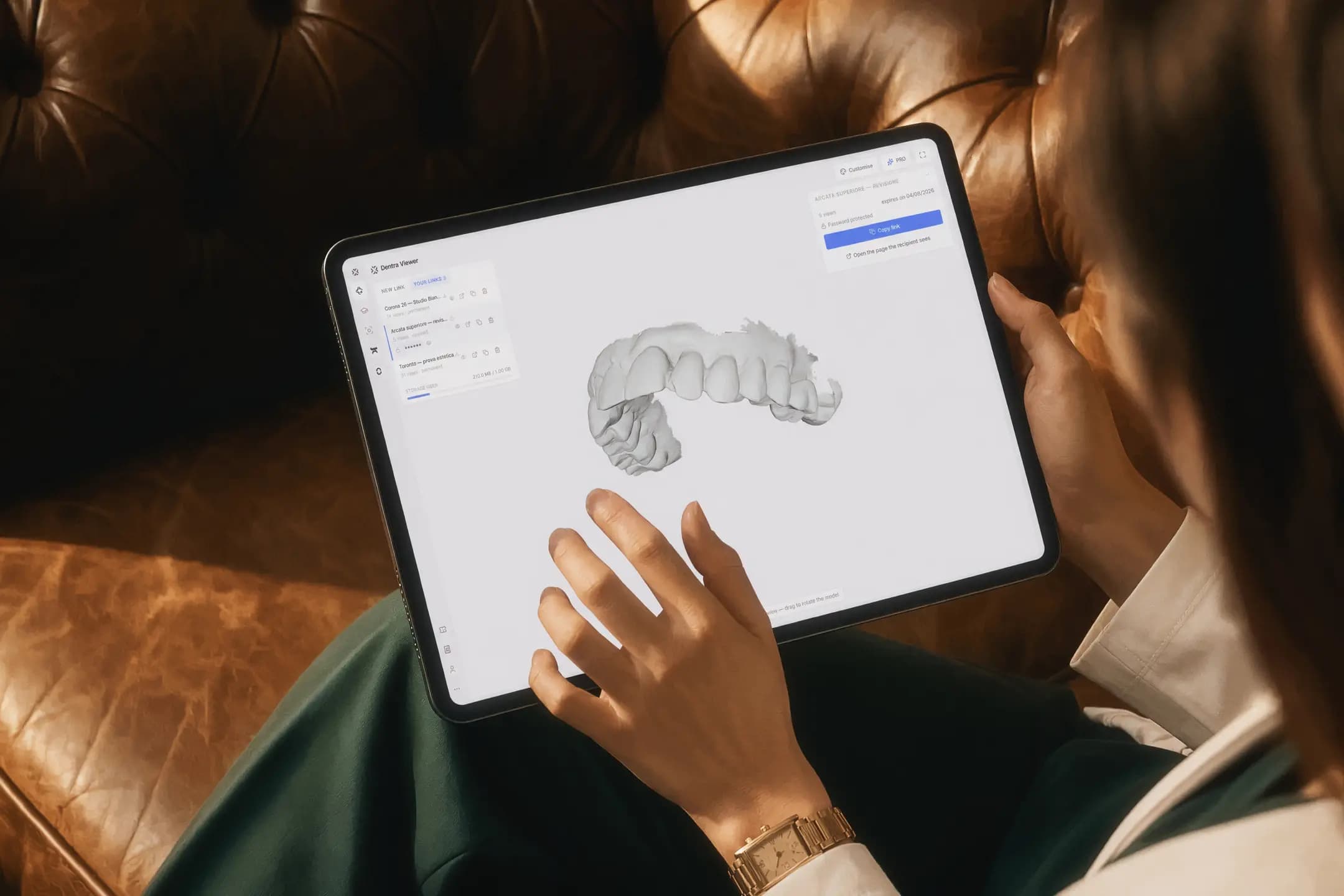
An online STL viewer to view and exchange 3D models, with no software to install and no heavy files over email. From the browser, on any device.
Free. Open and view without an account; to send a link, a free account is enough.
Upload the models, send a link.
For the lab that wants to show a case to the dentist, and for the dentist who wants to show it to a colleague or a patient. Whoever receives the link needs no 3D software: a browser is enough.
Open Dentra Viewer- 1
Upload the models
STL, OBJ, PLY or GLB, several files together in the same scene. Add the design project file and the pieces snap into place on their own.
- 2
Create the link
Give it a title and copy it, or email it from here. You'll find it among your links, with how many times it has been opened.
- 3
They open it
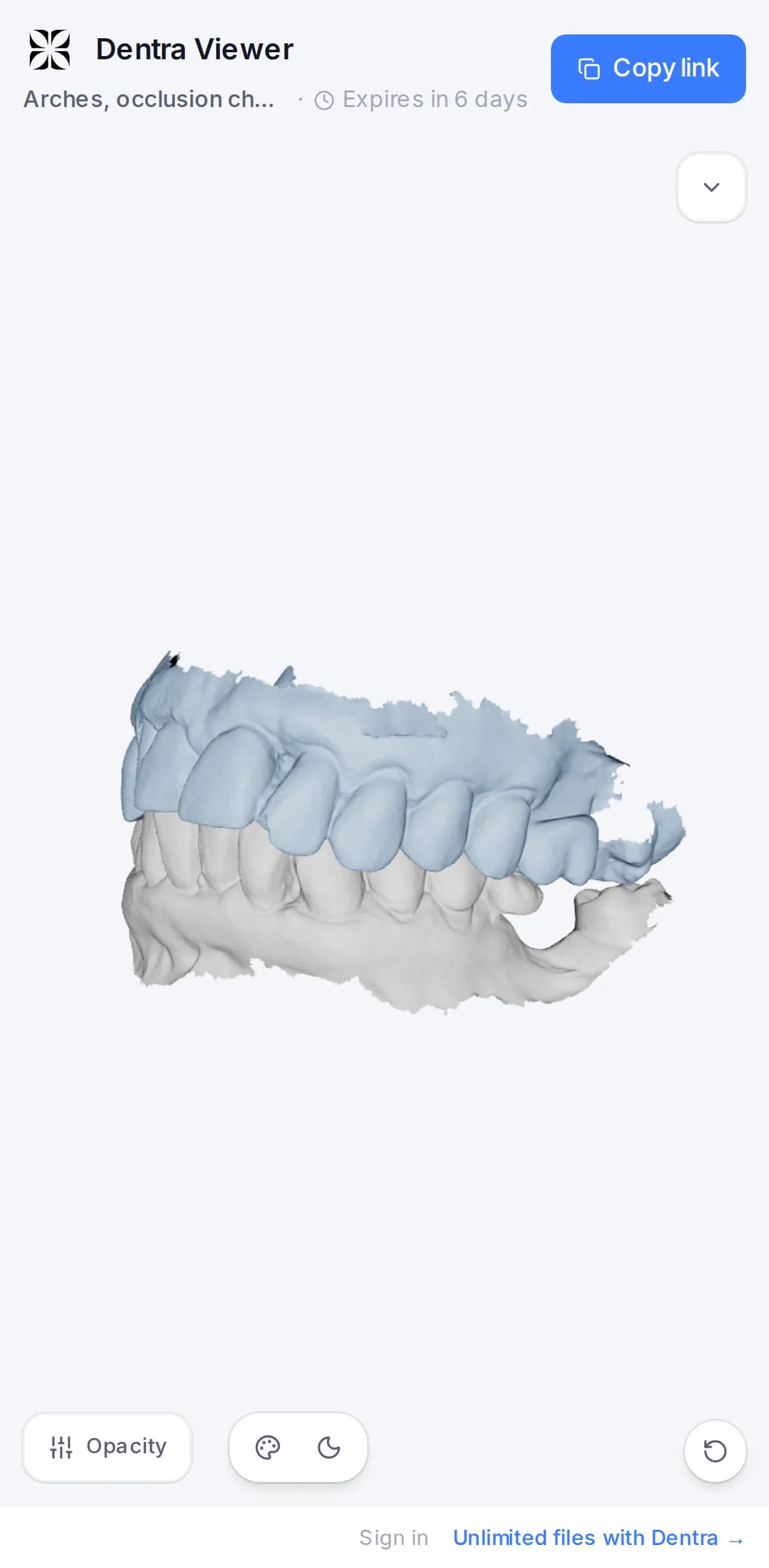
In the browser, on a computer or a phone: no account and nothing to install.
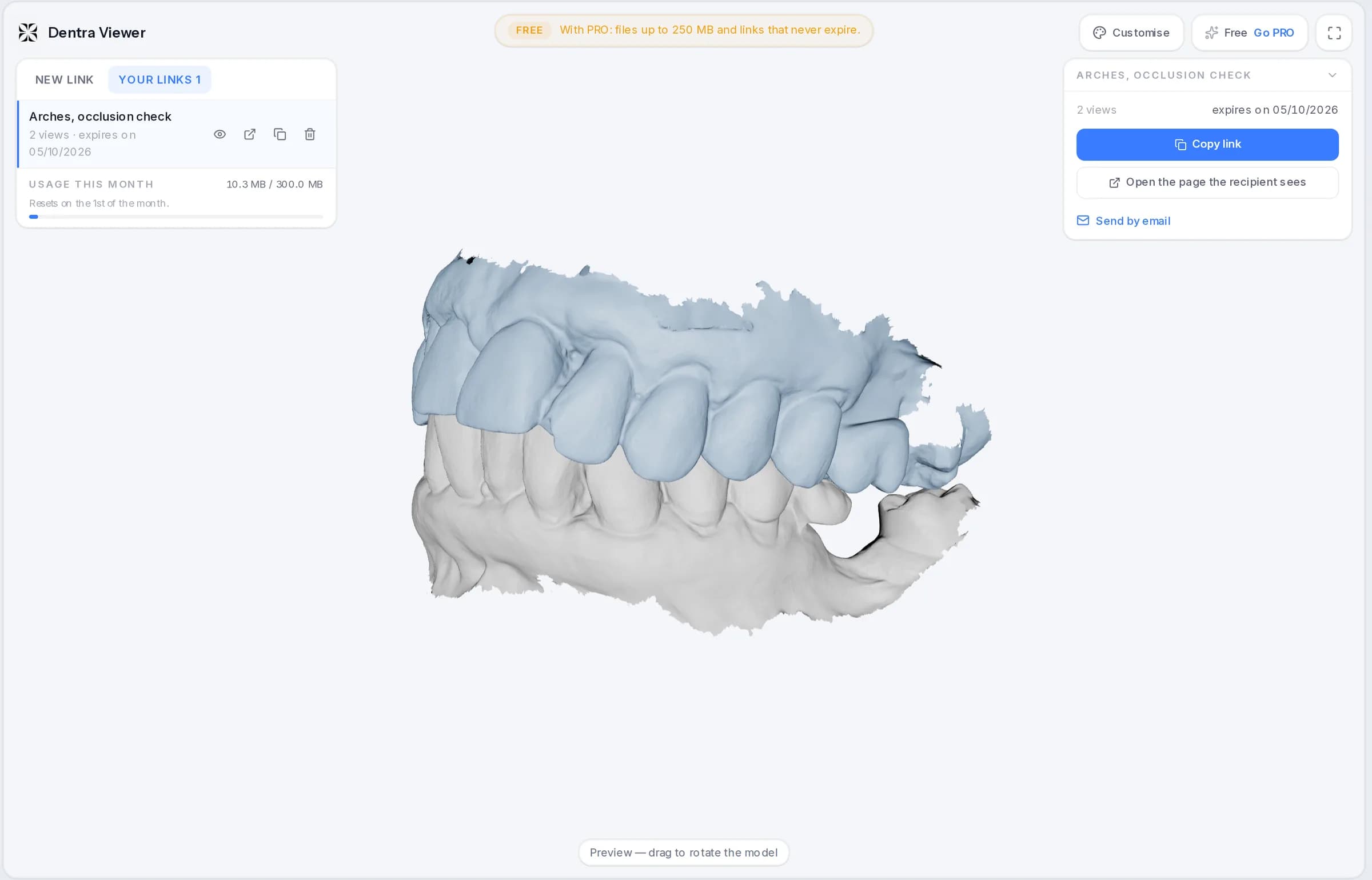
It opens in the browser, on a phone too.
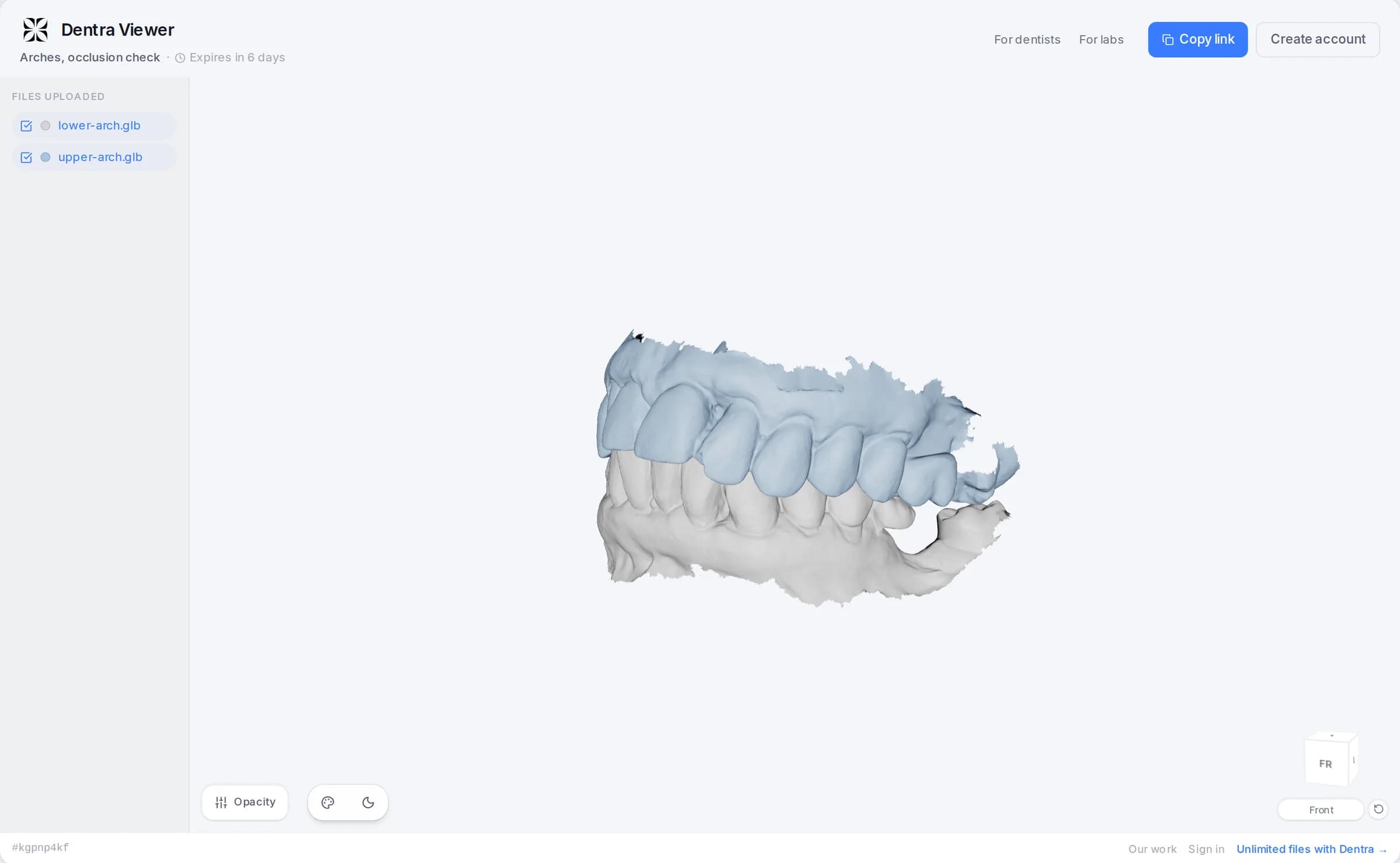
They see the model in 3D and turn it with the mouse or a finger. Nothing to download, nothing to install, no account.
- They switch single files on and off, and make an arch transparent to look through it.
- They pick ready-made views: front, side, top, bottom.
- They see the work, not the technical figures: the mesh diagnostics stay with you.
- They see when the link expires; when it does, the files are deleted.
PROWith PRO the link carries your logo and colours instead of Dentra's, and you can add a password and the download of the original file.
Built for everyday work
Check the model before sending it, view it together with the other arches and decide how it looks.
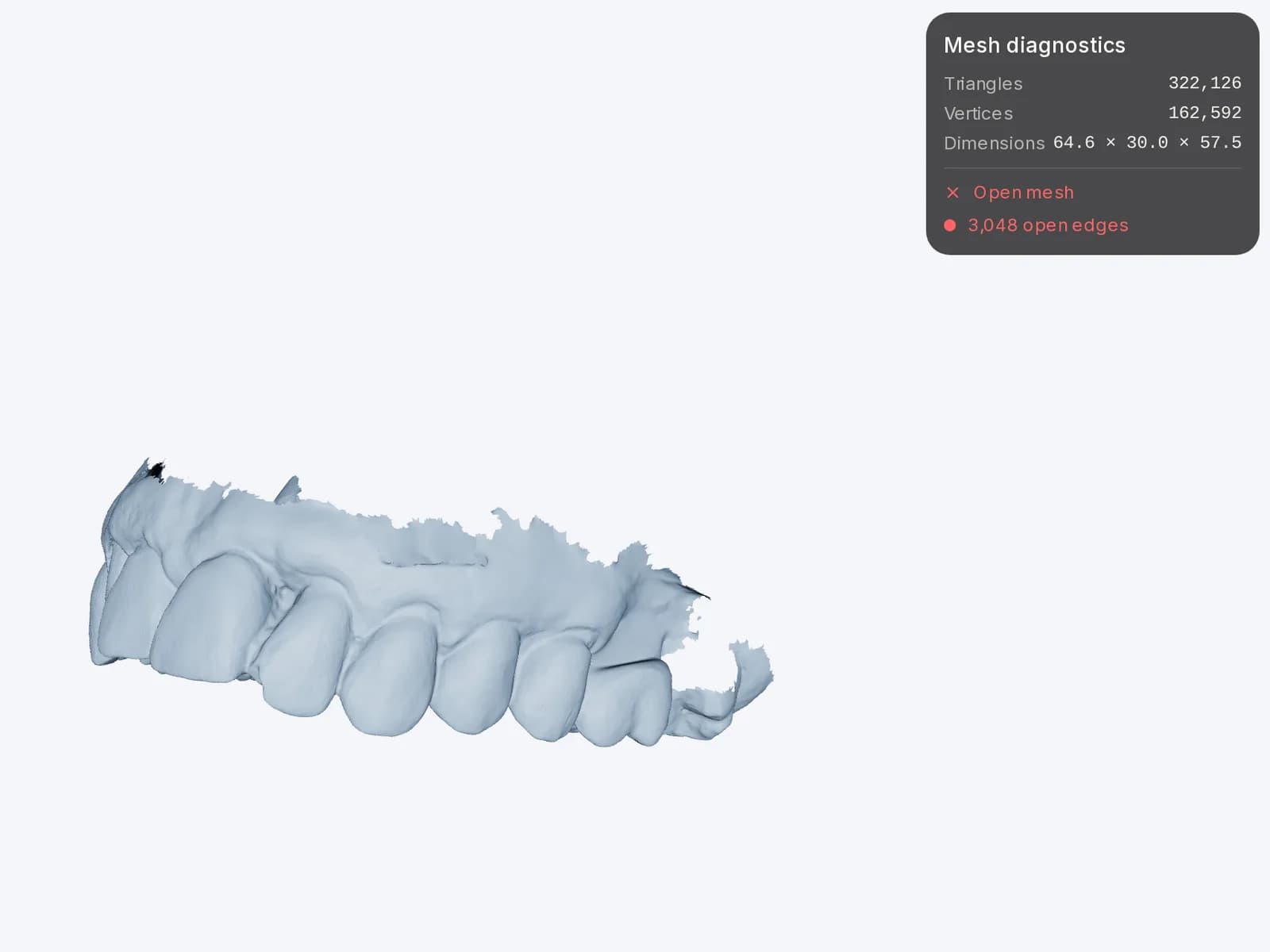
Check the model
Real dimensions, triangle count and open edges: see how the file is built before you deliver it.
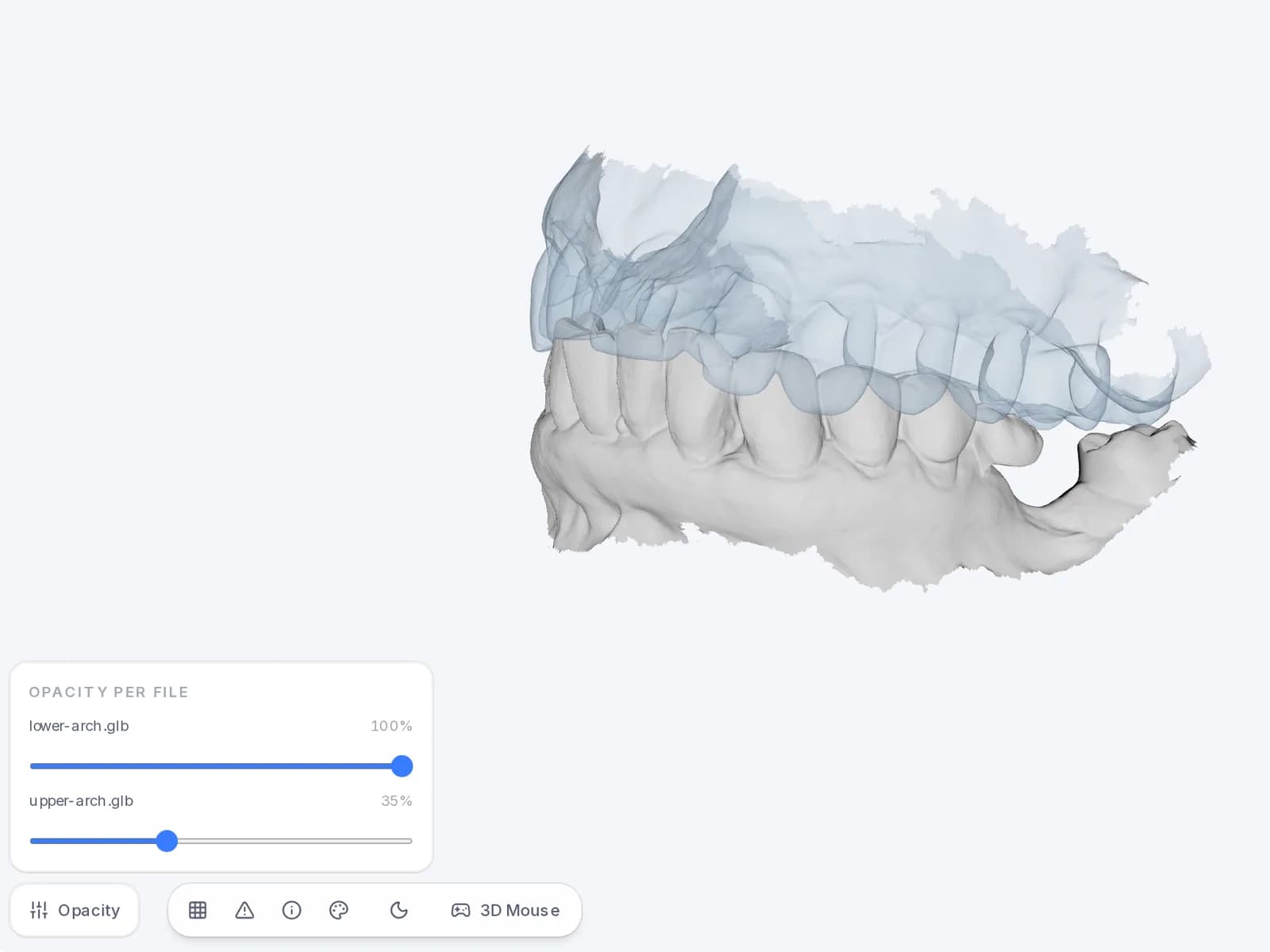
Arches together, even see-through
Load several files in the same scene and make the one in front transparent: you see at once how they fit.
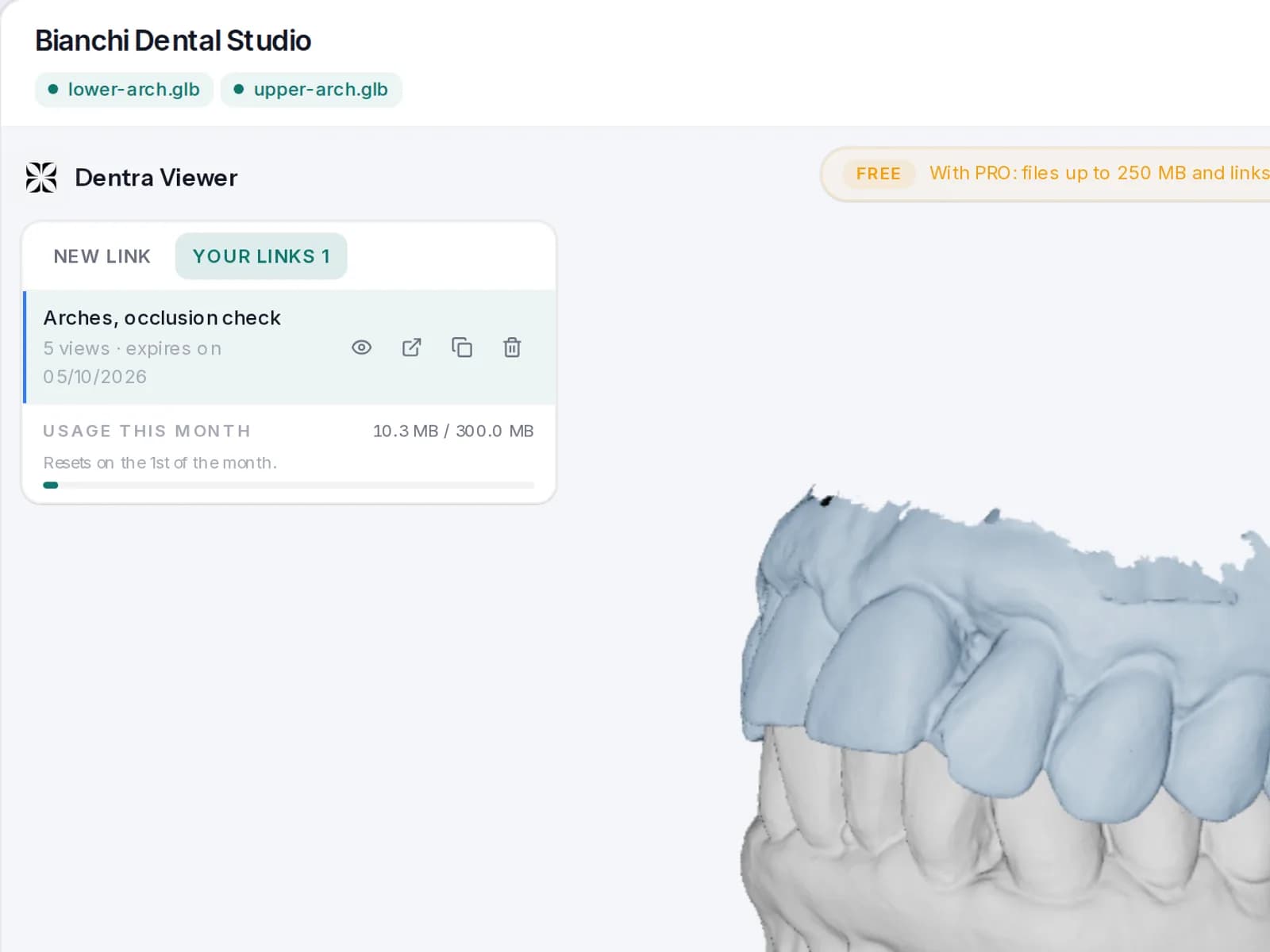
Your brand on the link
Practice name, logo and colour: the page you send looks like yours. Try it right away; it stays on your links with PRO.
What changes between tiers
You start without an account. The columns show what you have now and what would change.
| No accountfreeyours | With accountfree | PRO€10from €8 a monthpaying yearly | |
|---|---|---|---|
| Open and view models | |||
| Create a link to send | |||
| Size of one file | 50 MB | 250 MB | |
| Files in one link | as many as you like | as many as you like | |
| How long the link lasts | 7 days | your choice | |
| Keep your links | |||
| Send the link by email | |||
| How much you can upload | 300 MB per month | 10 GB always | |
| Give the link a title | |||
| Password on the link | |||
| Download the original | |||
| Your logo on the link |
What people ask us about Dentra Viewer
Does the recipient need to sign up?
No. They open the link in the browser, on a computer, tablet or phone, with no account and nothing to install.
Which files can I upload?
STL, OBJ, PLY and GLB, several files together in the same scene: up to 50 MB per file with the free account, up to 250 MB with PRO. Add the project file from your design software and the pieces snap into place on the arches by themselves.
How long does a link last?
With the free account, 7 days. With PRO you choose: 7 or 30 days, a year, or forever. You can revoke a link whenever you like from your links: the recipient no longer sees anything.
Can I protect a link with a password?
Yes, with PRO. Also with PRO you decide whether the recipient can download the original file; without it, the model can only be viewed.
Where do my files go?
To servers in Europe. Each link's address is long and random, so it can't be guessed, and the files are deleted when the link expires.
Can I see whether the link has been opened?
Yes: in your links, next to each one, you see how many times it has been opened.
Do I need an account? How much is PRO?
To open and view your own models, no. To create a link, a free account is enough, with 300 MB of files a month. PRO costs €10 a month, or €100 a year, and gives you 10 GB of storage, bigger files, password, download and your brand on the links.
On your computer too
The same Dentra Viewer as an app for Mac and Windows: open models with a double click, several together and even HTML projects from design software, and view them offline. Your files stay on your computer.
Free. No account required.
Version 0.2.3 · 1 October 2026
The first time, your computer asks for confirmation. How to install: dentra.it/en/download
Open your first model.
Free. The free account is what lets you send links.