
Dentra Core
Reviewing the design
Before delivery the design comes to you: you open it in 3D inside Dentra, with no software to install.
When it's your turn
When the design is ready, the order becomes Awaiting your review. Open it: the design is on screen in 3D, with the buttons to decide.
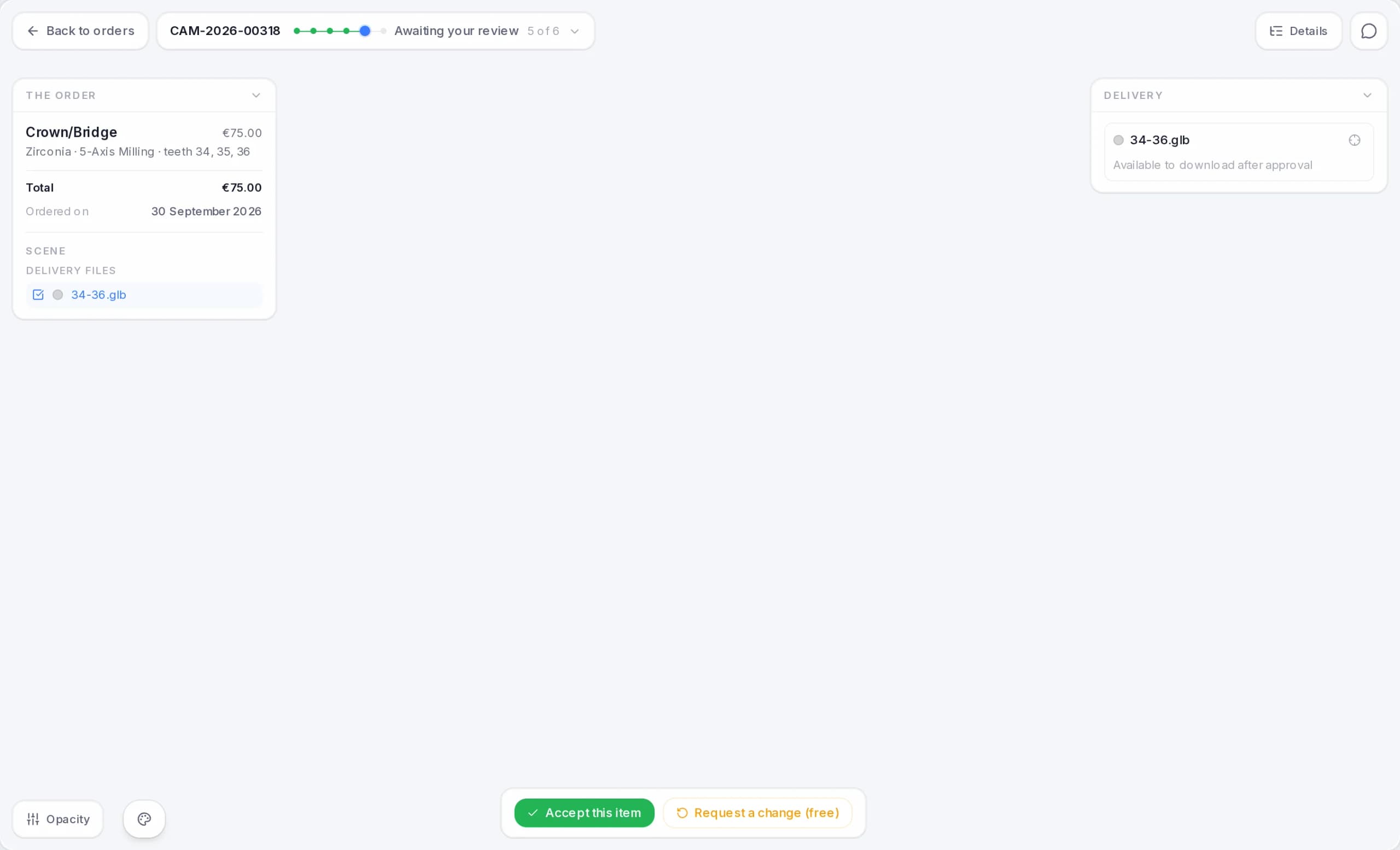
How much time you have
You have 24 hours to decide. If the order also includes production you have 12: the piece goes to the lab as soon as the design is finished, without waiting for you. The clock stops on Saturdays, Sundays and Italian public holidays; on weekdays it keeps running overnight. A countdown at the top tells you how much is left.
If time runs out, the items you haven't decided on are considered accepted: if you didn't request any changes, the order is delivered. You can still request a change afterwards, once the work is delivered, until it's invoiced.
Reviewing from the link with a password
If we entered the order on your behalf, when the design is ready we send you an email with a link and a password. Open the link, enter the password and look at the design in 3D, even without signing in to your account. You can already draw on the model the areas to fix.
To accept or request a change you sign in to your account, or you sign up: if you use the same browser, you find the marks you drew inside. The link works while the order is Awaiting your review; if you don't decide in time, the order is delivered by itself, as always.
Restricted
Accepting the work
Requesting a change
After the request
If the work is Lite
What a change costs
Orders with more than one item
Opens when you sign in with a practice account.
Frequently asked questions
How long does it take to receive my work?
In the price list, designs have a delivery time of 24 business hours, which is about 3 working days from order confirmation. You read the exact date in the summary before confirming, and if you need it sooner you can choose an earlier one.
What does «24 business hours» mean?
It means the design arrives in about 3 working days: we count Monday to Friday, excluding Italian public holidays, and you read the exact date in the summary before confirming. If the team asks you a question without which the work can't go on, the order stops until you answer, and the delivery date is pushed back by the time it was on hold.
Can I request a rush job?
Yes, in the order you can choose a delivery date earlier than the standard one. The earlier you go, the higher the price. The exact amount is always shown in the summary before you confirm.
How does the review before delivery work?
The design reaches you in 3D before final delivery. You have 24 hours to accept it or ask for a change, by drawing it on the model; the clock stops on Saturdays, Sundays and Italian public holidays, but keeps running at night. If you also ordered production you have 12 hours, because the piece goes to the lab as soon as the design is ready. The first change on each item is free. If you don't reply within that time, the work is considered accepted. How to request a change and what happens next is in the guide once you've signed in.
Can I request a change after delivery?
Yes, until the item is invoiced, usually until the end-of-month invoice: you request it by drawing on the 3D model, as during review. If you haven't used the free change for that item yet, it's free; otherwise it's paid, and you see the price before confirming. Once the item is invoiced, changes can no longer be requested: for new work, place a new order or write to us. You'll find the steps in the guide once you've signed in.
How many changes can I request and how much do they cost?
There's no maximum, until the item is invoiced: after that, no more changes can be requested. The first change on each item is free, during review or after delivery; the others are paid and go on your end-of-month invoice. Before sending a paid one you see the price and confirm it. The details are in the guide once you've signed in.
What happens if the design has an error on our side?
We remake the file free of charge after a technical check, if you report it before the try-in or cementation. We don't refund materials, production work, transport or clinical costs. The details are in the Order Terms, in the section on design errors.
How many revisions can I ask for with Dentra Lite?
One, included in the price, made by the same designer. If you're not convinced by the design, below the delivery you'll find the “Not convinced?” box: press “Resend as Premium”, even straight away, without asking for the revision first. A Premium order opens already filled in with your files, which you pay at the Premium price plus a surcharge, shown before you confirm and never less than what the Lite designer was already paid. The Lite price is deducted: in total you pay the Premium price plus the surcharge. You can resend only once: afterwards, in the same box you'll find “Go to the Premium order”.