
Dentra Viewer
Customising the link page
Whoever opens your link sees your logo and your colours: only a small Dentra credit stays at the bottom.
Opening the panel
In Dentra Viewer press “Customise” at the top right. On the left a preview of the page appears as the recipient sees it, on the right the fields to style it. Every change shows up in the preview right away.
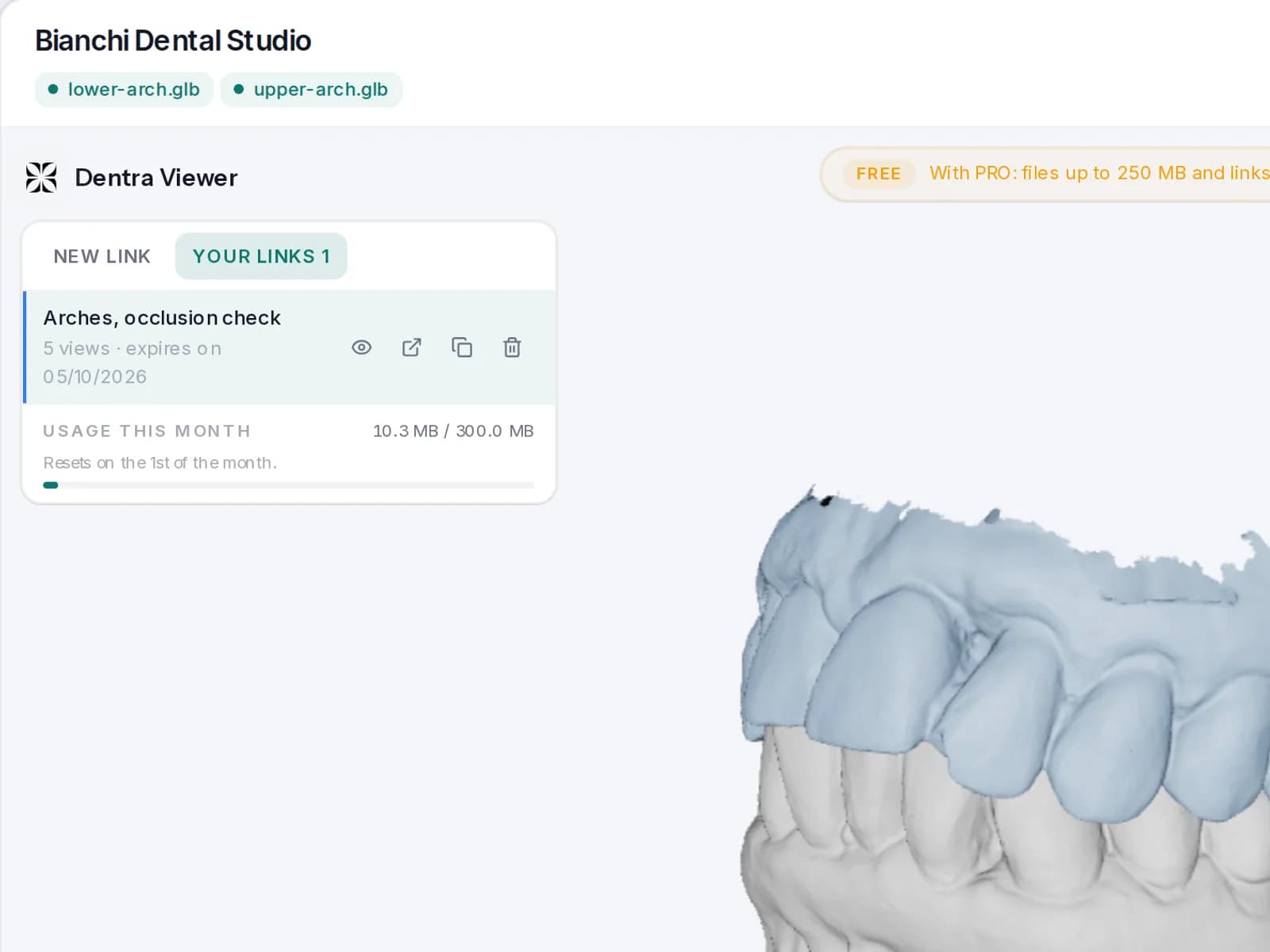
What you can change
| Field | What it does |
|---|---|
| “Logo” | The logo of your practice or laboratory, as PNG, JPG, WEBP or SVG. “Change logo” replaces it, “Remove” takes it off. |
| “Practice name” | The name shown at the top of the page. |
| “Accent colour” | The colour of the buttons and details. “Reset” goes back to the starting colour. |
| “Background behind the model” | “Standard”, “Brand” (from your brand colour) or “Colour”, chosen by you. |
| “Website / contact” | Your website or a contact, for anyone who wants to reach you. |
Saving: you need PRO
Trying it is free: with the free account you upload the logo, choose the colours and look at the preview. To keep this look on the links you send you need Dentra Viewer PRO: with PRO you press “Save”, and your links show your brand instead of Dentra's. With PRO the logo is saved as soon as you upload it, the rest with “Save”. If PRO ends, your links go back to the Dentra brand. Without PRO what you try isn't saved: if you reload the page, it goes back to how it was.
PRO costs €10 a month, or €100 a year. From the free account, you'll find “Go PRO →” in the panel.
The same brand also goes on the page you download with “Download as page”, again with PRO. See Downloading as a page.